LEDES e-billing
LEDES 1998B files without the spreadsheet
Clients whose e-billing systems require LEDES get a file generated from the same time entries you invoice from.
What you get
Codes captured at entry time
Client codes, matter codes and UTBMS task codes live on projects and entries, so they are there when you export.
Rate cards
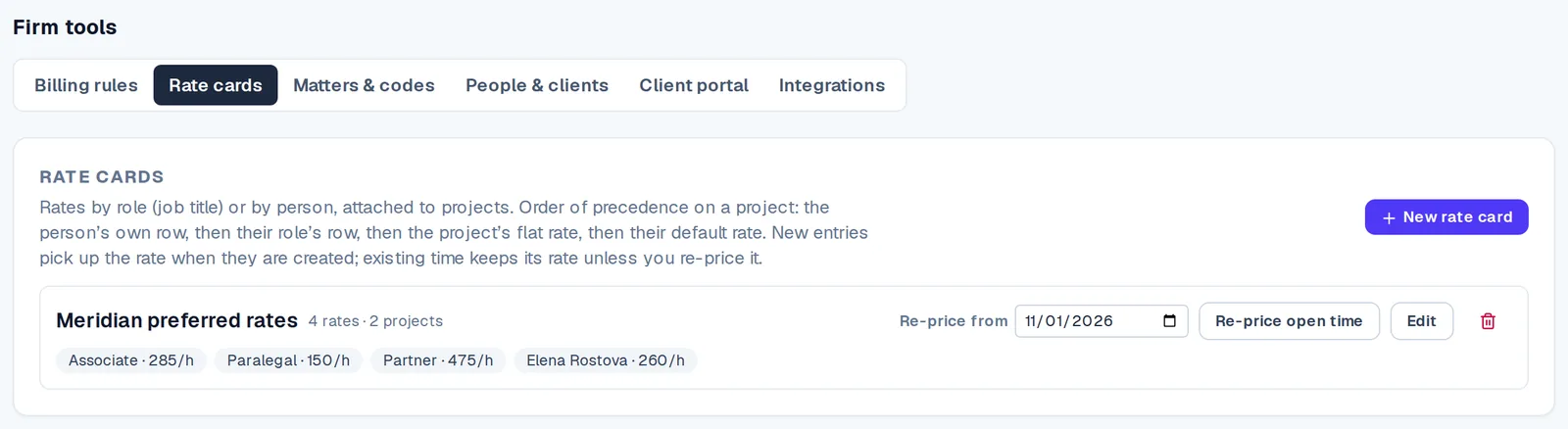
Rates by job title and by person, applied to new time automatically.
Billing increments
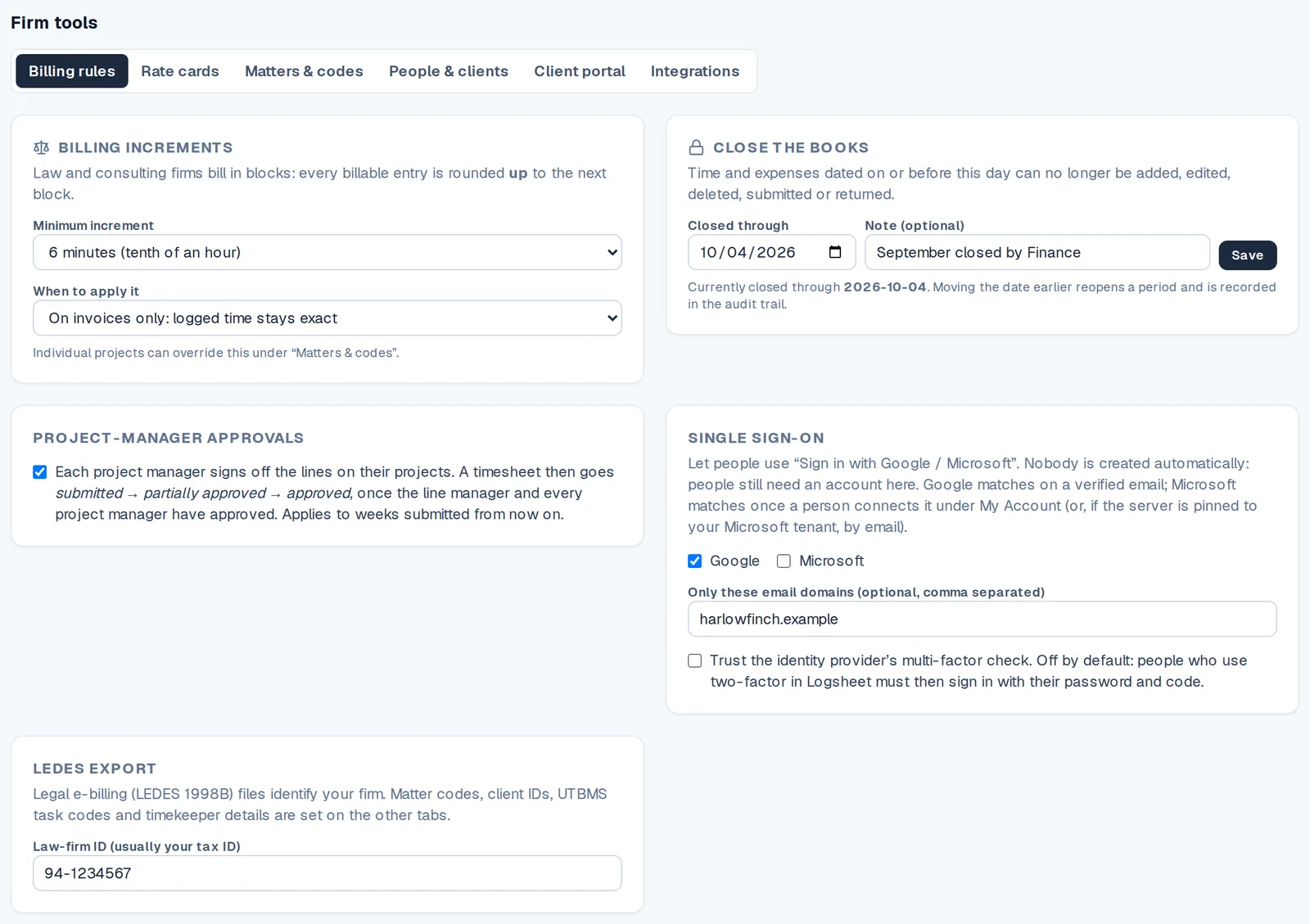
Round up to 6 or 15 minutes per organisation or project.
Period close
Lock the period before you export so invoice and file match.
Audit trail
Every change to an entry is recorded and cannot be edited afterwards.
Regular invoices too
Clients that do not need LEDES still get a clean PDF invoice from the same data.
How it works
- Step 1
Add codes
Client and matter codes on projects; task codes on entries.
- Step 2
Log and approve time
Approvals and flags catch problems before billing.
- Step 3
Close the period
Lock the numbers.
- Step 4
Export
Download the LEDES 1998B file for the client.
Questions
- Which LEDES format is supported?
- LEDES 1998B.
- Do I need to enter codes twice?
- No. Codes are stored on projects and entries, and the export reads them from there.
- Which plan includes LEDES export?
- The Firm plan, at $25 per user per month.
- Does every client need a LEDES file?
- No. Other clients can receive a regular PDF invoice from the same time entries.
Related