For agencies and teams
Know where the hours went before the budget does
Your team logs time in seconds, managers approve a clean week with one key, and project budgets warn you before they are spent.
What you get
Project and client budgets
Hour or dollar budgets with alerts at 75, 90 and 100 percent.
Approvals people use
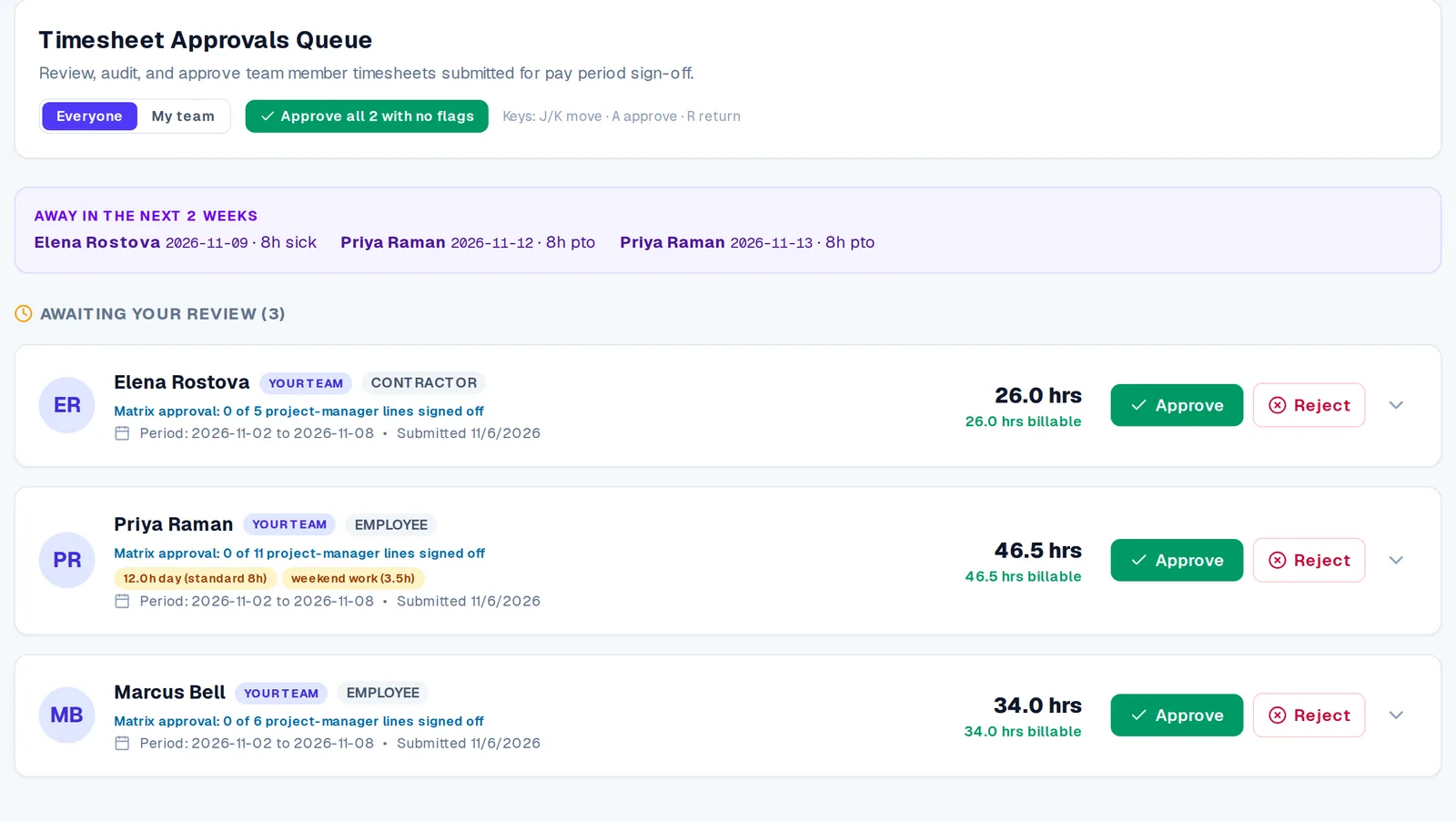
Flags for long days, weekend work and sudden swings. Approve a clean week in one step or comment on a single entry.
Late-timesheet reminders
Automatic reminders, escalating to the manager when a sheet is still missing.
Time off and holidays
Requests with manager approval, a team calendar and a calendar feed.
Reports and trends
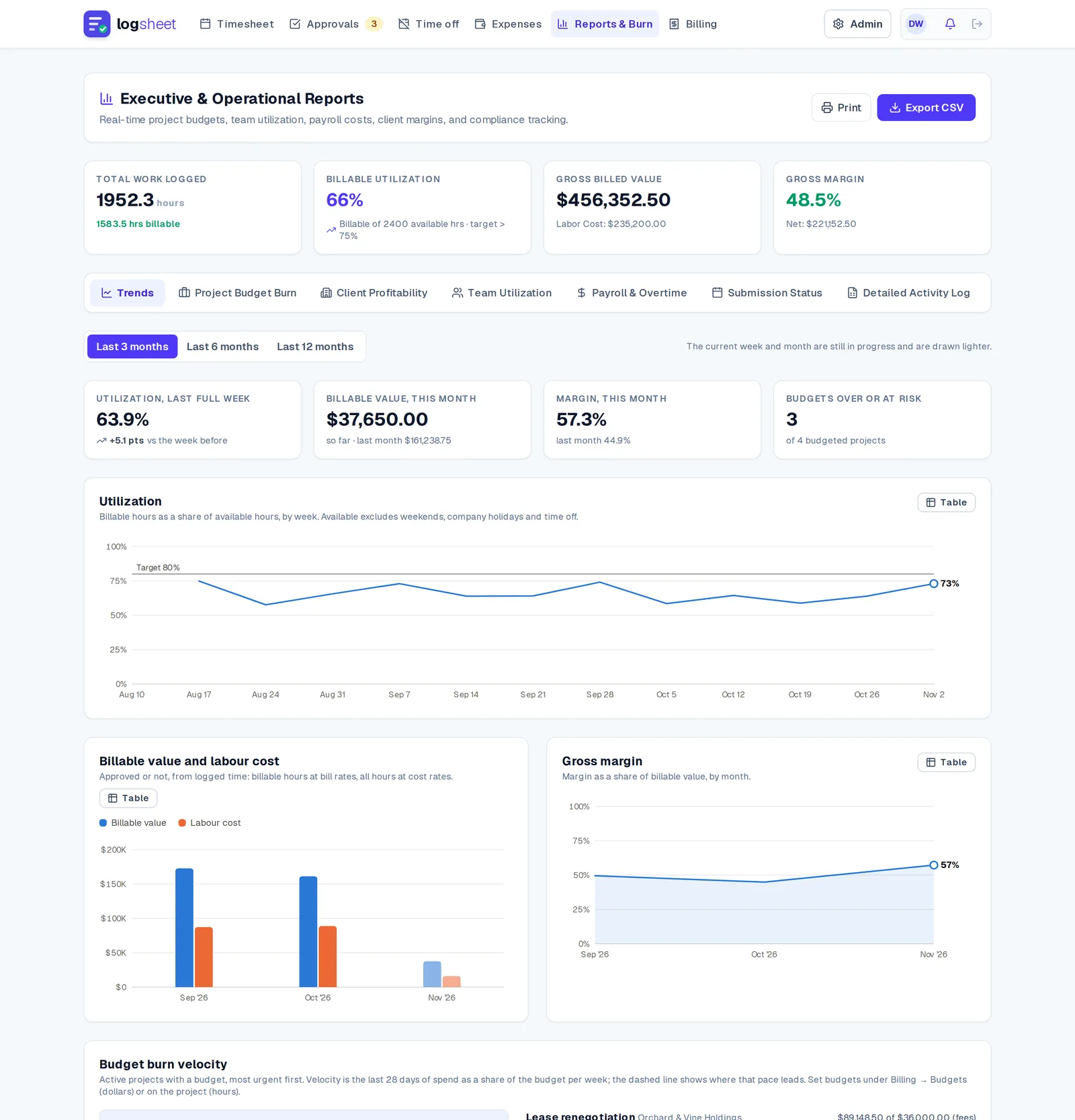
Utilisation, project burn and profitability as reports and trend charts.
Invoices from approved time
Edit the draft, add tax and discounts, and send a PDF or public link.
Sub-contractors on your projects
Share a project with a partner company. They log time from their own account, you approve the hours, they invoice you, and it all counts against your budget.
How it works
- Step 1
Create projects and budgets
Add clients and projects, set rates and a budget.
- Step 2
The team logs time
Ctrl/⌘ + K quick add, a weekly grid, a live timer or a phone-friendly day view.
- Step 3
Managers approve
Review flagged entries and approve the week.
- Step 4
Bill the client
Turn approved hours into an invoice and track payment.
Questions
- Which plan do agencies need?
- Approvals, reminders and budgets start on the Team plan, at $12 per user per month.
- Does Logsheet work on a phone?
- Yes. There is a one-day-at-a-time view with large tap targets, so time gets logged when the work happens.
- Can I get alerts before a project goes over budget?
- Yes. Budget alerts fire at 75, 90 and 100 percent.
- Can I invoice directly from tracked hours?
- Yes. Approved time becomes an editable draft invoice with tax, discounts and a PDF or public link.
- Can a sub-contractor log time on our project?
- Yes. Share the project with their company from the Team plan. They log time from their own Logsheet account, which can be a free one created from your invitation, you approve their hours, and they invoice you from Logsheet.
Related