For freelancers
Track the time. Send the invoice. Get paid.
One person, no overhead: a fast timesheet, billable rates per project and invoices you can print or save as PDF.
What you get
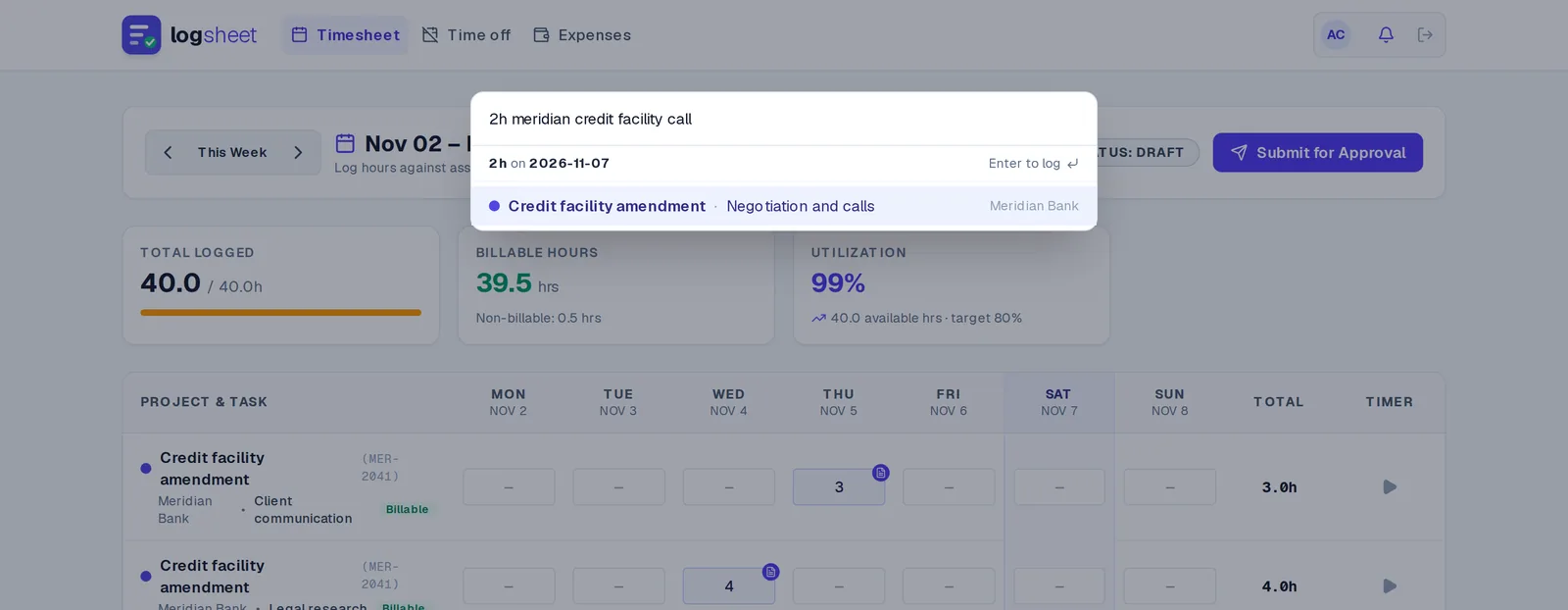
Log time in seconds
Press Ctrl/⌘ + K and type something like “2h acme migration”, or run a live timer.
Rates per project and task
Set what each project pays, and see billable value as you work.
Invoices as PDF
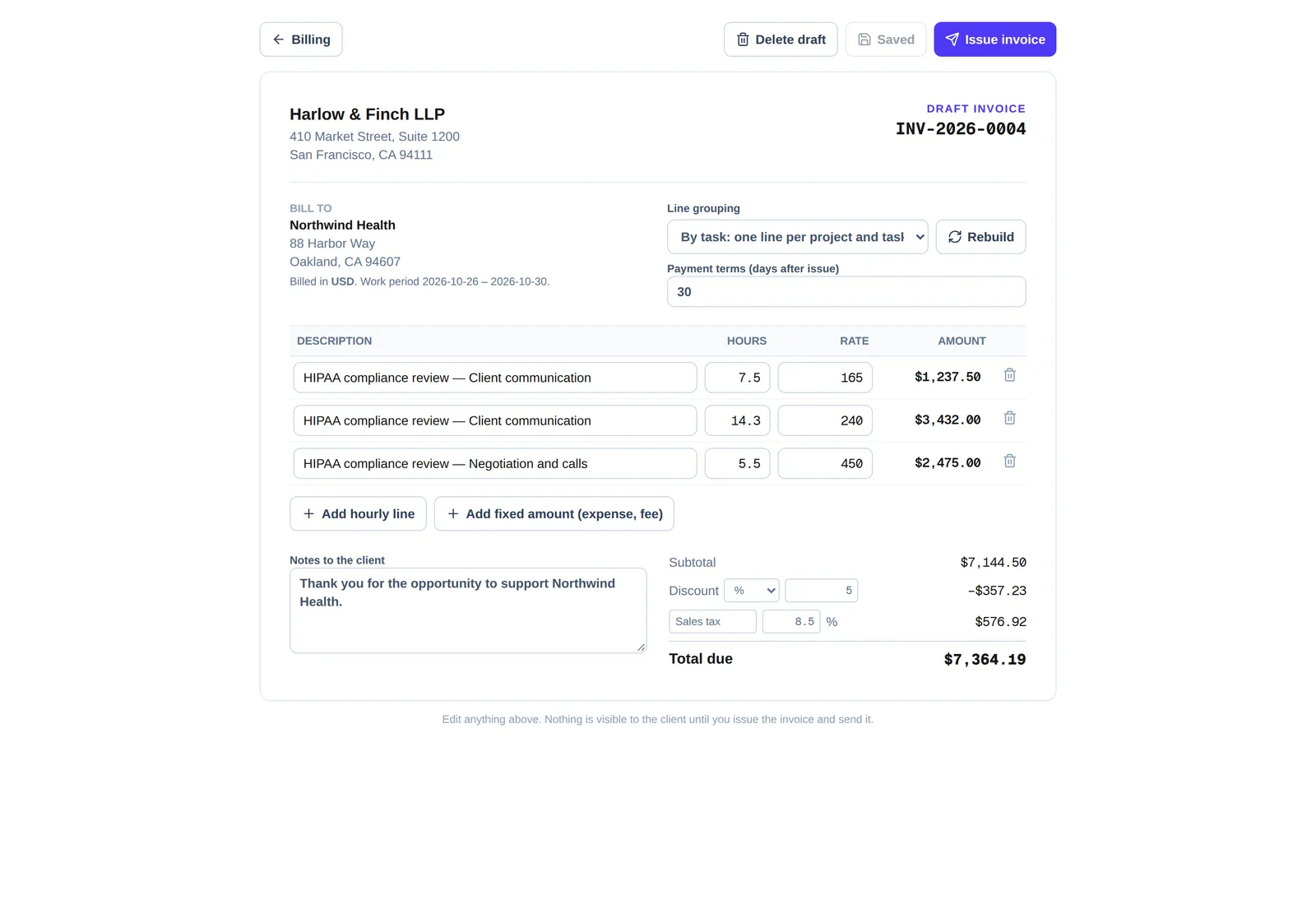
Turn a period of hours into an invoice you can print or save.
Expenses with receipts
Add expenses, attach receipts, and bill them to the client or claim them back.
CSV export
Take your time and reports with you whenever you want.
No approval step
On Solo, sheets approve themselves, so nothing waits on you.
How it works
- Step 1
Add a client and project
Give it a rate.
- Step 2
Log as you work
Quick add, timer or the weekly grid.
- Step 3
Add expenses
Attach receipts and mark them billable.
- Step 4
Invoice
Generate the invoice, tidy it and send it.
Questions
- How much does Logsheet cost for one person?
- Solo is $8 a month.
- Can I invoice from my tracked time?
- Yes. Invoices can be printed or saved as PDF.
- Can I track expenses?
- Yes, with receipts, and you can bill them to a client or claim them back.
- Can I move up to a team later?
- Yes. Team adds approvals and budgets, and Firm adds billing rules and integrations.
- Can I work as a sub-contractor on a client’s project?
- Yes. If a client shares a project with you, you can accept it with a free partner account, log time on it and invoice them from Logsheet. Using Logsheet for your own clients and projects needs a Solo plan or above.
Related